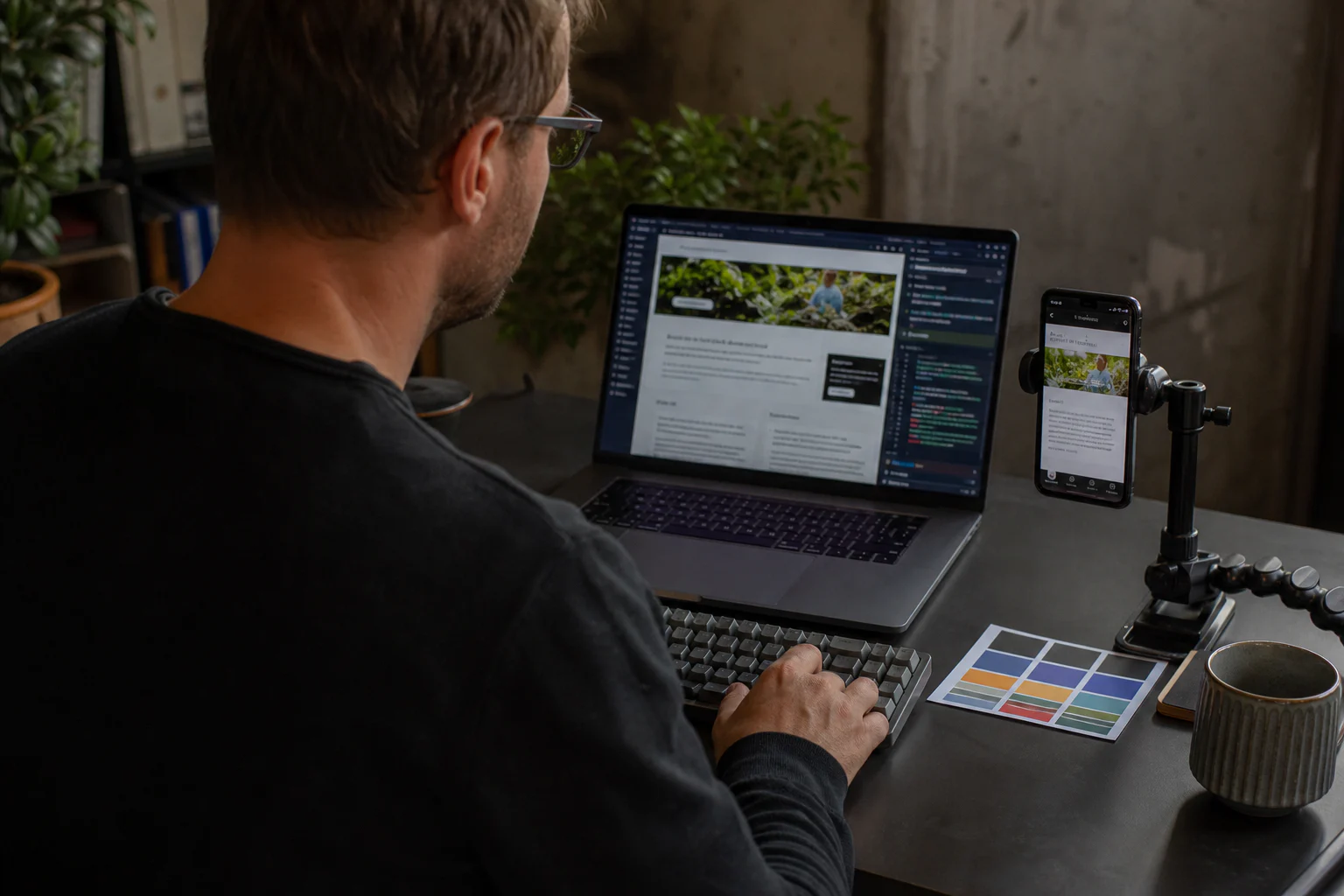
What this page gives you
- Clarity and outcomeThe offer, service area and next action make sense without an instruction manual.
- Use and accessibilityKey journeys remain readable, touch-friendly and keyboard-usable on a real phone.
- Performance and securityField data, HTTPS and real failures matter more than an isolated score.
- Discovery and measurementIndexation, queries, forms and useful events make the outcome verifiable.
Quality needs several forms of evidence: real use, accessibility, field performance, indexation and useful enquiries. One Google position or Lighthouse score cannot summarise a website’s quality.
- Mobile and keyboard journeys
- Field Core Web Vitals
- Indexation of useful pages
- Working forms and enquiries
For each criterion, record the URL, device, date and observed result: verified, needs fixing or not tested. Unknowns are not passes. A form that fails to deliver enquiries remains a priority even when other checks pass.
| Check | Evidence to keep | Next action |
|---|---|---|
| Understand the offer | An outsider can explain the service, area covered and next step. | Rewrite the heading or button if they hesitate. |
| Use the website | The menu and form work on a phone and with a keyboard without blocking the task. | Fix the blocking interaction before decorative details. |
| Receive an enquiry | A test message reaches the right recipient; errors and confirmation are clear. | Check delivery, not just the “sent” message. |
| Be discovered | Search Console and Bing Webmaster Tools show the URL status and actual search activity. | Separate indexing issues, low positions and low click-through rates. |
| Understand images | Useful visuals are clear, relevant and described; decorative images remain silent. | Improve alternative text and context without keyword stuffing. |
This is a Hebora working checklist, not a certification or Google score. Compare versions by repeating the same tasks on the same pages. Then use the free assessment to prepare the points you want to discuss.
You paid someone to create your website. He delivered it to you. You looked at the result and said "OK, thanks." But deep inside you, a doubt persists. Something doesn't suit you, but you can't put your finger on it. Maybe the site seems a little slow to you. Maybe it doesn't look like what you had in mind. Maybe since he's been online, no one has contacted you through him.
This doubt is legitimate. And it's even healthy. Most small business owners are not web experts. It's normal: your job is baking, plumbing, hairdressing, accounting. Not web development. The problem is that this lack of technical knowledge puts you in a vulnerable position. You cannot objectively evaluate what was delivered to you. It's like a mechanic telling you "your car is fixed" and you have no way to check.
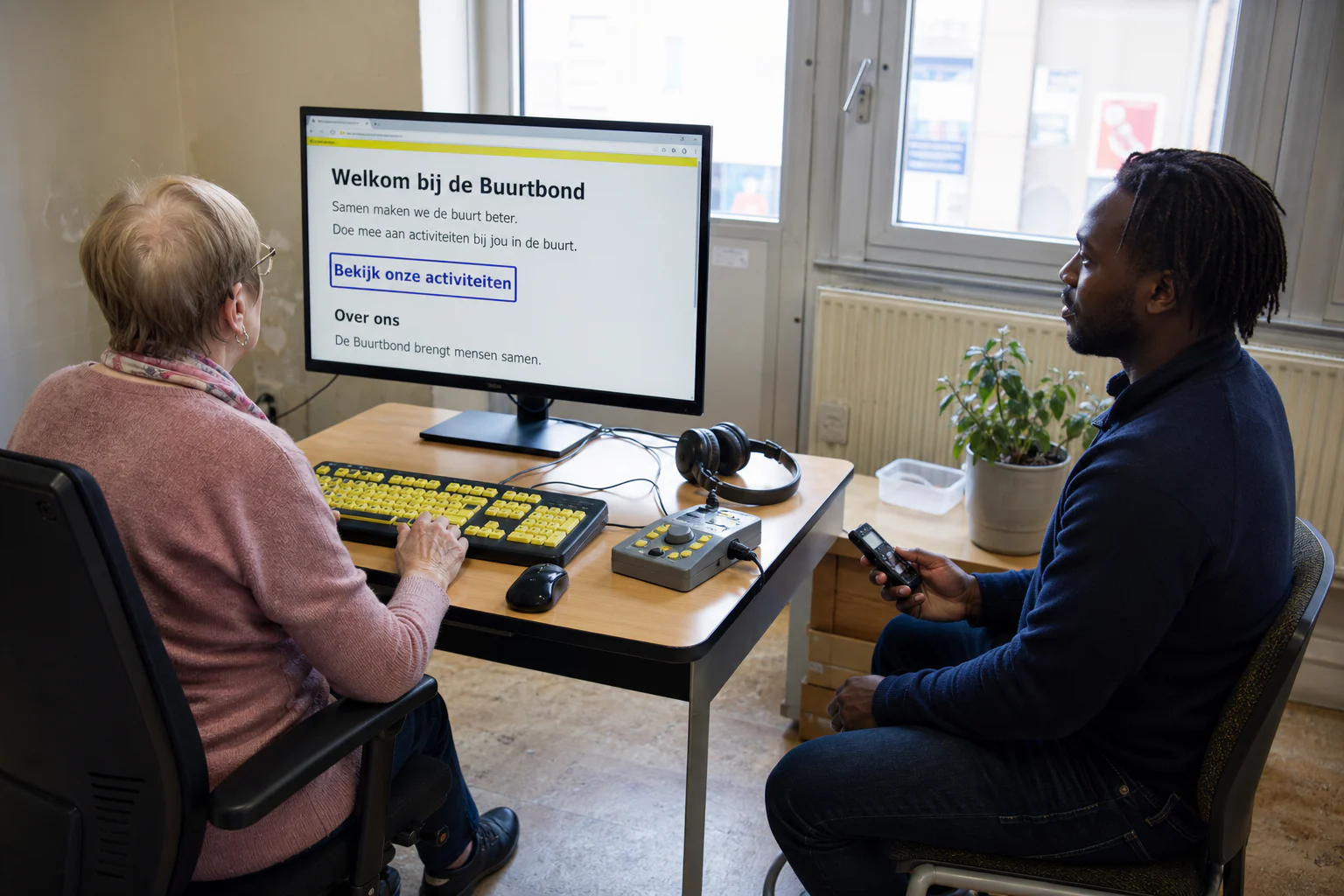
Example check: follow keyboard focus, read enlarged text and verify the action remains accessible. This illustration is not proof of compliance.
This guide is here to give you these means. You can also use our free diagnostic tool for a quick assessment. No need to know how to code. No need for complicated tools. Just 10 concrete criteria that anyone can check in a few minutes.
1. Loading speed
The main content should appear quickly and remain stable. Measure it on mobile and desktop with the Core Web Vitals: LCP, INP and CLS. A single laboratory run does not prove every visitor's experience.
PageSpeed Insights combines field data, when available, with a Lighthouse test. Read the metrics and recommendations before the overall score: Google states that a perfect score does not guarantee better rankings.
2. Mobile display
Open the site on a real phone. Text should remain readable without zooming, controls easy to tap, images contained within the screen, and the menu usable with both keyboard and touch. For a structured check, W3C recommends WCAG 2.2, including visible focus, target size and consistent help.
Use your own analytics to identify the most visited pages instead of assuming a universal share of mobile traffic.
3. Visibility on Google
Search for the exact business name, then a realistic local query. If the exact name is missing, check indexation, noindex directives, the canonical URL and any manual actions with Search Console URL Inspection. Its live test checks potential indexability; it guarantees neither indexation nor ranking. A low position for a competitive query does not prove on its own that no SEO work was done.
4. The HTTPS connection
The address should start with https:// and the browser should show no security warning. HTTPS protects data in transit, but it does not prove that the whole site is secure. Google also says there is no single “page experience” signal: overall page experience cannot be reduced to HTTPS or Core Web Vitals. Check the certificate, redirects and mixed content too.
5. Essential information immediately visible
Ask someone who doesn't know your business to open your site. After a quick look, this person should be able to answer three questions: what do you do, where are you, and how to contact you. If any of these answers are not quickly obvious, the site is failing in its fundamental mission. A local business website is not a work of art. It should make the contact path clear and measurable. Clarity comes first.
6. Relevant images
Real photos of the premises, team or products provide evidence that generic images cannot. Illustrations or generated images can support the story when they are presented honestly and serve the content.
Ask what was produced, which usage rights apply, which formats were delivered and how the files were optimised instead of applying a universal photography price.
7. Working links
Test buttons, menus and links in the copy. A 404 or wrong destination breaks the user journey. Fix it, then crawl the internal links; one broken link is not enough to predict a Google ranking.
8. Proofread copy
Repeated mistakes, awkward translations and an inconsistent tone can reduce trust. An isolated typo should be fixed without turning the audit into a trial of the provider.
9. Appropriate, consented measurement
Decide which data is actually needed: visits, sources, forms or calls. The tool may be Google Analytics, a privacy-friendly alternative or technical logs. Check access, consent, retention and the measurement plan; installing one particular product is not a universal rule.
10. The contact form works
Send a test message from an address you control. Check the visible confirmation, delivery, spam folder, error message and behaviour when the network fails. Repeat the test after changes to the form or delivery service.
These four checks give an initial view; they do not replace field data or a technical audit.
- Step 1: open the main pages on a phone and check readability, tap targets, the menu and horizontal overflow.
- Step 2: search for the exact business name. If it is missing, inspect indexing in Search Console before assigning a cause.
- Step 3: test the page in PageSpeed Insights and read LCP, INP, CLS, field data and recommendations - not only the score.
- Step 4: submit a test form and confirm actual delivery.
Each failure is a lead to investigate, not an automatic verdict on the site or its provider.
Some problems deserve a prompt fix. They prove a specific defect, not the overall quality of the provider on their own.
- No HTTPS or a security warning: fix the certificate, redirects and mixed content before collecting data.
- Images that appear with a long delay: measure the page, then check their format, weight and dimensions.
- The site is unusable on the phone: Responsive design is not an extra, it has been a fundamental prerequisite since 2015.
- No measurement defined: without an objective, access and usable data, it is difficult to connect the site with enquiries. The right tool depends on the need and consent.
- Images unrelated to the business: ask which images are real, illustrative or generated, and check that they support the content without creating false evidence.
- The site cannot be found by its exact name: check indexing, the noindex tag, and any manual actions in Search Console before incurring an arbitrary delay.
- Visible placeholder text: "Lorem ipsum" or "Your text here" still visible on a page. Yes, it happens more often than you think.
The contents of a delivery depend on the quote. Check the following points or have them written down before launch.
Before going online:
- Test the site on mobile, tablet and computer
- Optimize all images so they load quickly
- Configure the SSL certificate (HTTPS)
- Check that all links and forms work
- Proofread and correct all texts
- Configure basic SEO tags (titles, descriptions, structure)
On delivery:
- Configure an analytics tool (or equivalent) and give yourself access
- Check indexing in Google Search Console and transfer access to the client
- Train you on basic modifications that you can do yourself
- Provide you with all access: hosting, domain name, emails, analytics
- Give you a summary of what has been done and what remains to be done
For ownership and reversibility, the quote should state:
- who controls the domain name and who has administrative rights
- which hosting, email and measurement accounts you receive
- which rights apply to code, content, licences and third-party components
- which export and migration assistance are included
If something useful to your project is missing, compare it with the quote and ask for a written answer first. The absence of a tool or deliverable that was not agreed does not prove incomplete work on its own.
Changing your web provider is a scary decision. We have the impression of starting all over again, of losing what has already been done, of having to reinvest money. But in some cases, it's the best decision you can make.
It's time to change if:
- Your service provider no longer responds, or takes weeks to respond to a simple email
- Every small change is charged a disproportionate price
- You do not have access to your domain name or hosting
- Your site has recurring problems (slowness, bugs, unavailability) and they are not resolved
- No enquiries arrive and the provider refuses to examine traffic, the offer, the journey and conversion tracking with you
- You have requested improvements several times and nothing changes
How to make the transition without losing everything:
- First check that the domain name is in your name. If so, you can transfer it to a new provider.
- Request a complete copy of your site (files and database). If your provider refuses, that’s a serious red flag.
- Save everything you can: texts, photos, contact details of accounts associated with the site.
- The new service provider will often be able to migrate your existing site or rebuild it using your content. Before signing, check out our WordPress or custom comparison to choose the right technology this time.
The fear of transition is often worse than the transition itself. Our guide to redo your website details exactly how to make this transition successful. The new provider should document each step, backups, access and checks to complete before the switch.
These criteria are linked to the method and experience Hebora; they do not constitute a universal legal score.
Any doubts about your site?
We run a quick, free audit of your site. You receive the verified points, the unknowns and the next useful measurements.
Request a free audit