View site

The project at a glance

From the blocker to what changes.

The starting point, the work delivered and what the client ultimately receives.

Food & Dining

01Starting pointStart02What we buildWork03What is deliveredDelivery
menuorder
They scan the tablea QR code
They order at the counterstaff enter it for them
The menu openson their phone
They order and paywithout waiting for anyone
The kitchen screen ringsthe order is already on it
The kitchen preparesin the order received
The floor keeps trackpriorities and allergens
Nothing to retypethe order arrives as sent
The order leaves the table and reaches the kitchen without passing through anyone.
Custom tool Food & Restaurant

Digital ordering system for restaurants via QR code. Orders sent directly to the kitchen with less manual re-entry.

Official logo: OhMiam OhMiam

OhMiam is a tailor-made tool developed for restaurants that want to digitize their order taking. The customer scans a QR code, places their order, and it arrives directly in the kitchen.
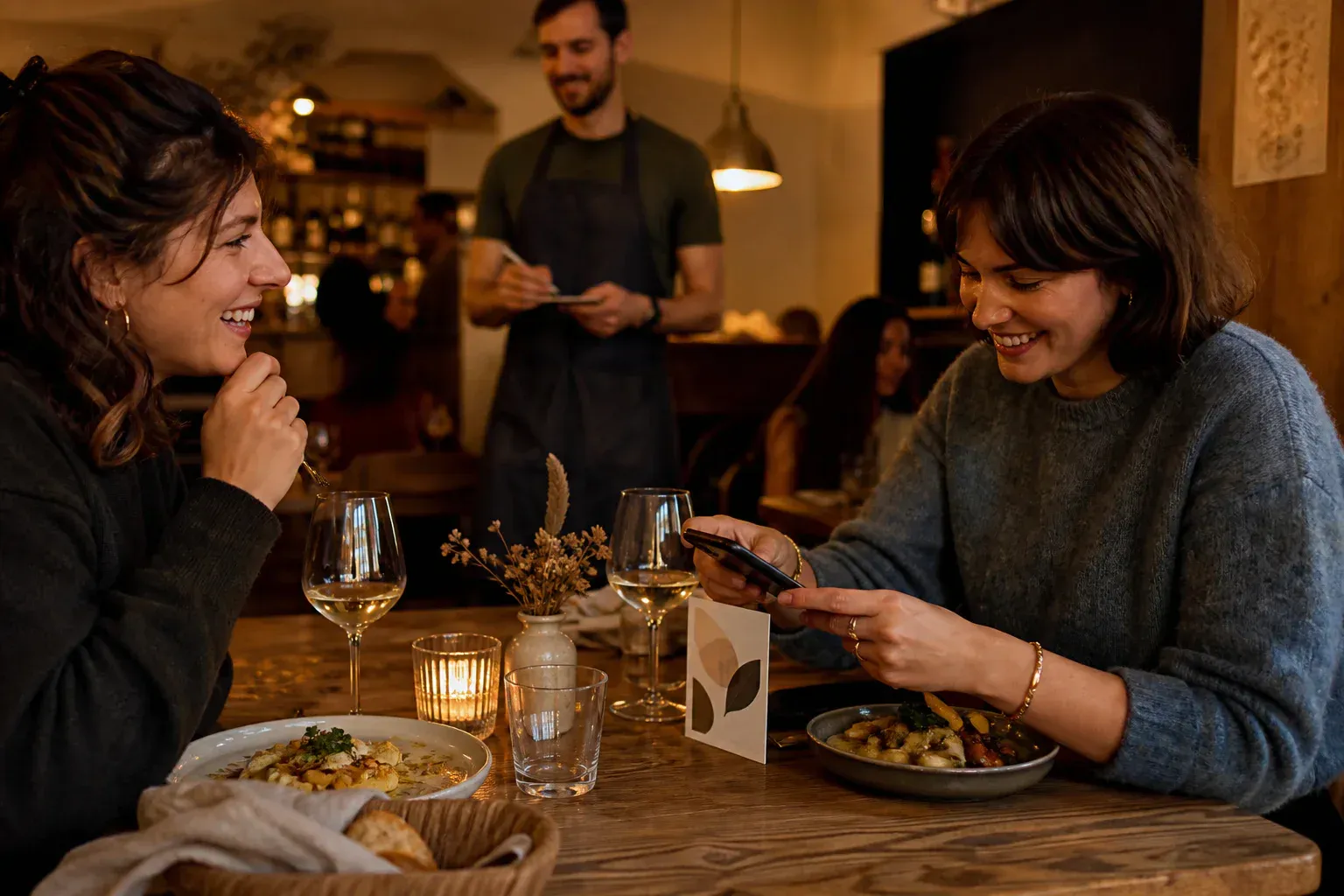
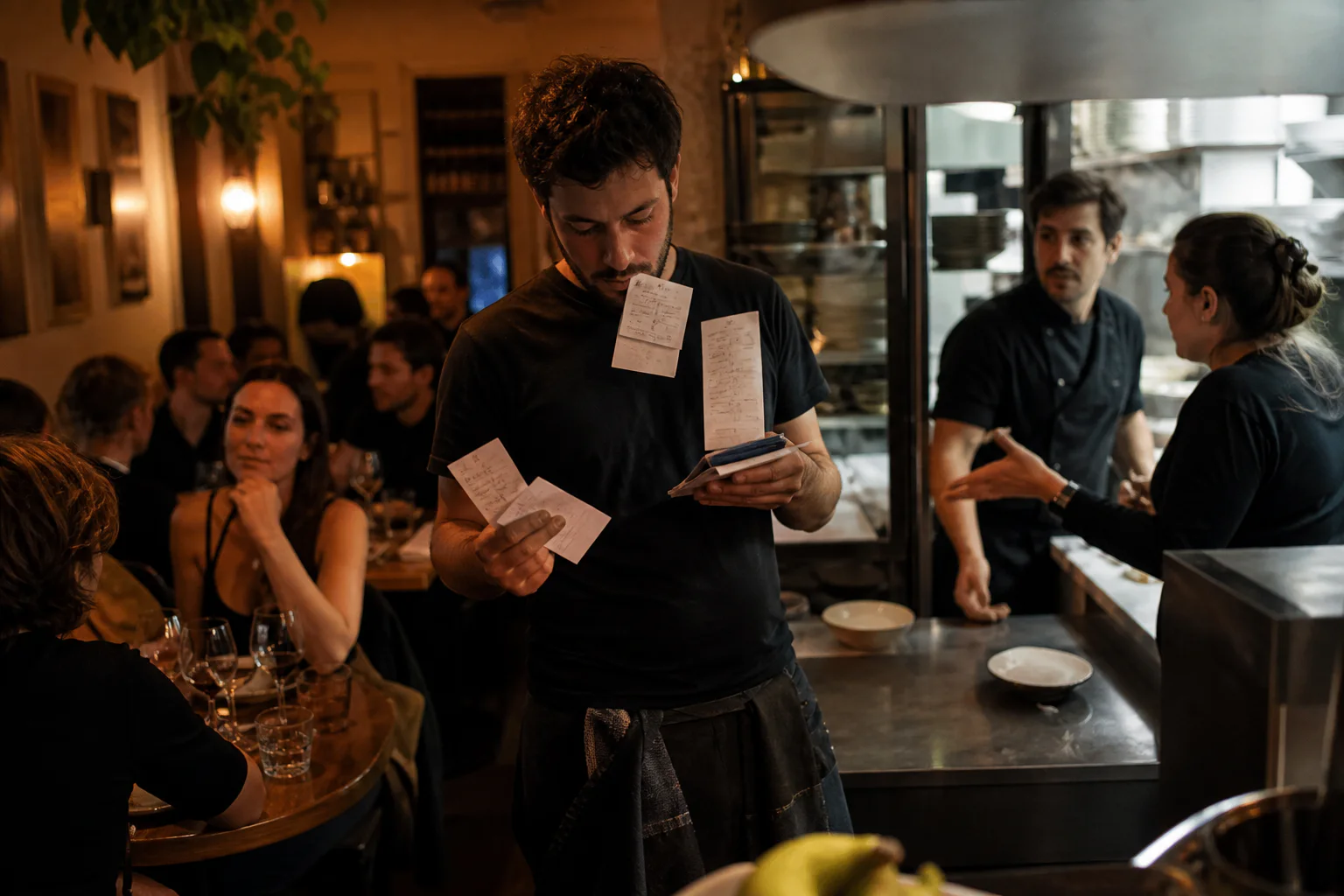
Image for the OhMiam project
Problem addressed for OhMiam: the situation before the digital solution.

The problem

The order changed hands too often

Between the table, the server and the kitchen, a dish, an option or an allergen could be misheard or incorrectly copied.

The wait weighed on the entire service

At peak times, customers waited to order while the team ran between the room and the kitchen.
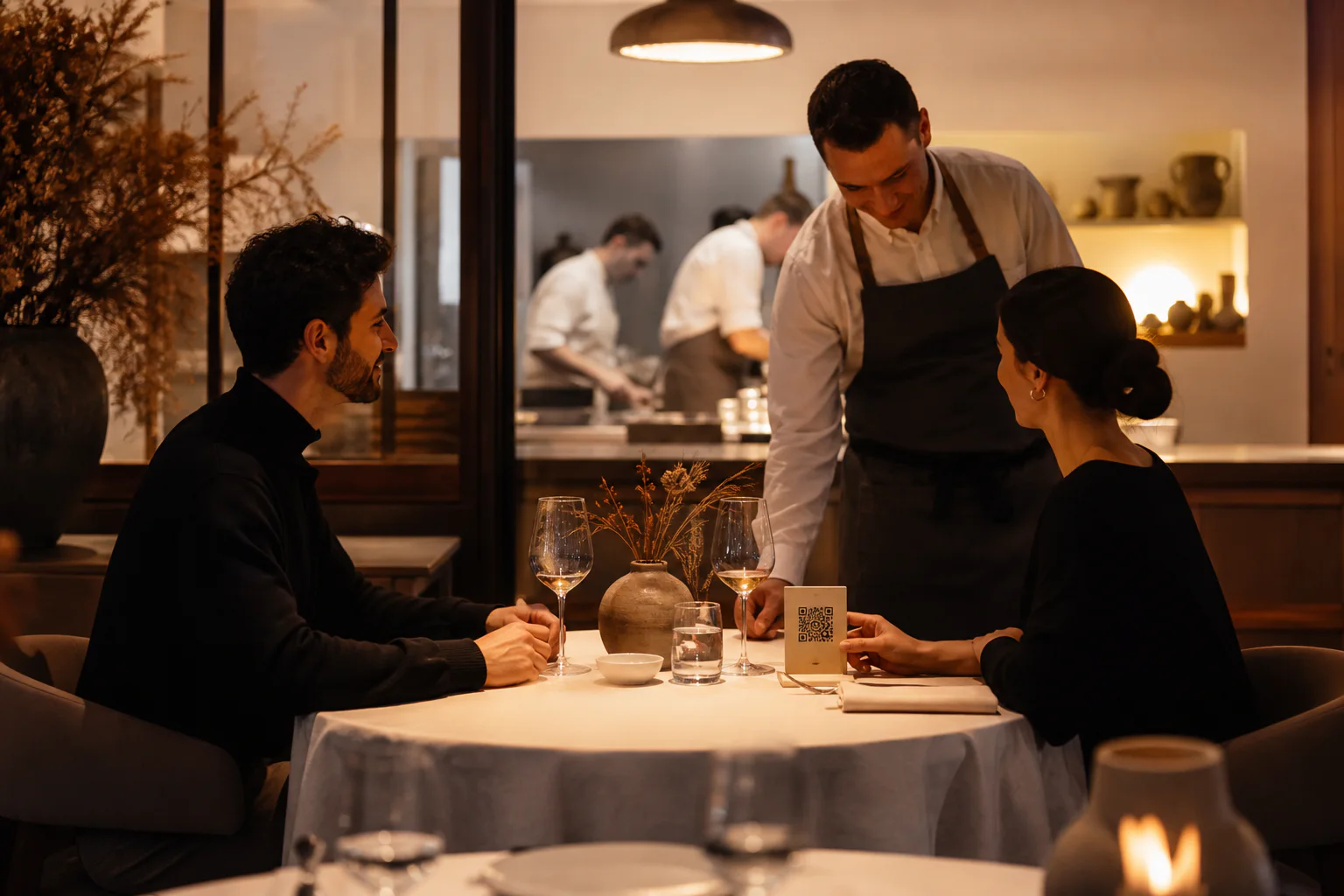
Solution built for OhMiam: the new digital workflow in use.

The solution

The menu opens at the table

The customer scans the QR code, consults the menu and transmits their order themselves from their phone.

The kitchen receives without re-entry

The order and useful information arrive directly on the preparation screen, in the order in which they were validated.

RoleDesign & Development
KindOrder at the table by QR code
Status Live
01

Field immersion

Observation in the kitchen for a week. Identification of friction points: order errors, waiting times, kitchen-room communication. Observation was used to map order taking, kitchen handoff and rework without publishing an unverifiable error rate.

02

The screen seen from the restaurant

Design of an ultra-simple interface: 3 gestures to order. Visual menu with photos, customization options, allergen management. No app download required. The journey was designed to remain readable across age groups and let customers order without an account, in a few clear steps.

The menu is displayed in the language of the customer's phone.

03

The kitchen screen

Development of the kitchen interface: real-time order reception screen, priority management, sound notifications. The living room and the kitchen see the same thing, right away.

The screens stay synchronised so that a confirmed order appears directly in the kitchen; latency must be measured in the actual deployed environment.

Orders are organized by priority and by table, with a colour system for preparation monitoring.

QR code Order at the table
Kitchen Receives directly
Allergens Managed in the menu
Payment From the phone

Your situation

Facing the same blocker?

Let’s see what currently stops your website from doing its job.

Next project

ViaFidelis

Check-up

Performance test

Your website on mobile and desktop

Answer in one minute

required

Loading the test…

Legal details