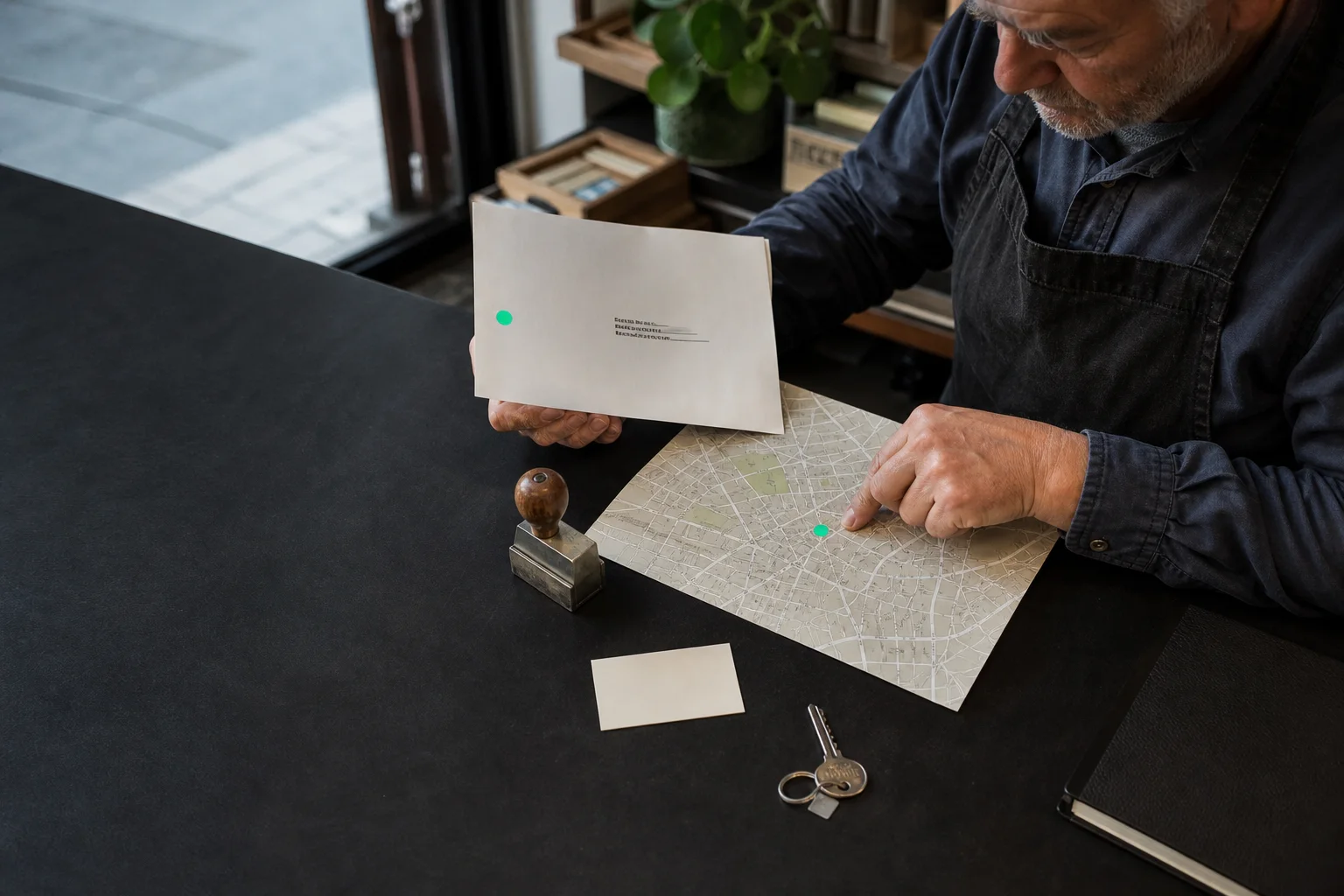
The Google profile remains missing
You search for the business on Google. The profile does not appear as expected.
It may be unverified, restricted, miscategorised or searched differently from the way customers search.
Open the owner account and check profile status, primary category, address or area and contact details. Compare them with the website. Do not create a second profile to bypass the issue.
Check the profile without creating anotherObservable signs
Separate absence, restriction and weak visibility
Three signs you can check without a specialist tool.- 01
The profile does not appear for the exact business name.
- 02
The account requests verification or reports a restriction.
- 03
The address, area or phone differs from the website.
What this means
A missing profile is not always a ranking problem
A profile must first exist, belong to the right owner and meet representation rules. Visibility can then vary by location and search.
Duplicates split reviews and information. Restore ownership and consistency before optimisation.
Useful order
Check the profile without creating another
Run these checks in order before buying anything.- 01
Confirm the owner
Open management with the account that genuinely controls the business.
- 02
Read the status
Look for verification, restriction, pending change or duplicate.
- 03
Align details
Name, category, area, phone and hours should match.
Next step
Make the business readable before publishing more
The SEO method sets the foundation. Pricing shows follow-up. The assessment separates the profile, pages and content.FAQ
Find a Google Business Profile
How long does verification take?
Method and timing vary; follow the options offered inside the account.
Can I hide my address?
A business visiting customers may define a service area under the applicable profile rules.